or to connect via http please change https on http.
For getting first task(lab) you must type:
task = hwc.get_task(1)
For other tasks(labs) you must type desired number:
task = hwc.get_task(laboratory_number)
The case will be generated on the first call. After that, you can retrieve your task at any time with
task = hwc.get_task(laboratory_number)
There is your task. In task structure you can see in variable files associated filenames. In this case: l1_1.pdf. This file contains in folder files.
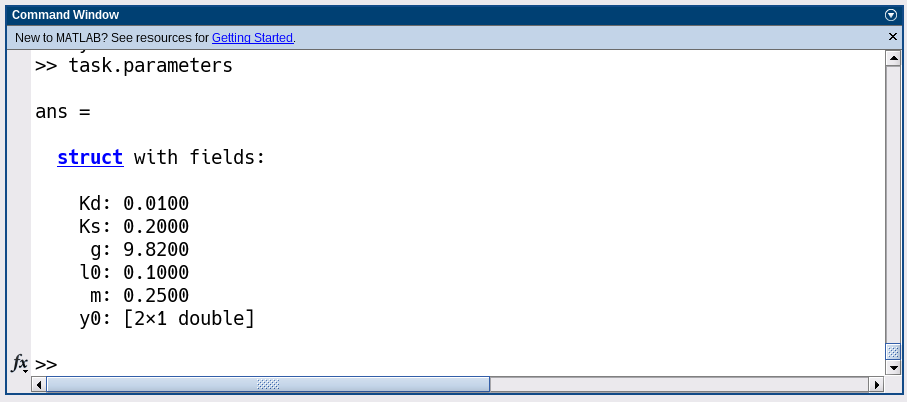
In struct parameters presented input variables for modeling the system described in pdf file:
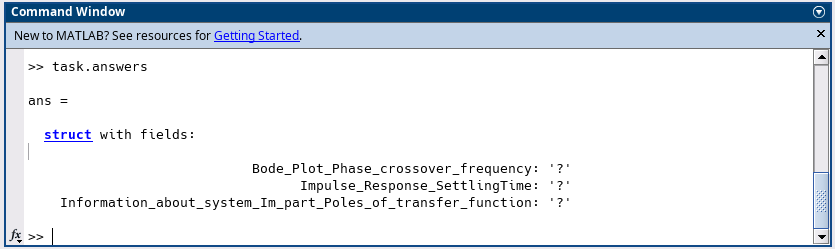
In struct answers presented variables that you must fill instead of ?:
When you fill all variables in struct answers instead of ? you can check it with:
hwc.send_task(task)
You are right if you have nonzero score opposite the corresponding variable. The total score is the sum of all scores. You can also see the number of attempts.
Submission of laboratory work
Upload the required answers to the HWC Lab Checking system as above.
Please send to hdulab.checker@yandex.ru from email, that you used to register in the HWC Lab Checker:
a zip-archive with all matlab files with comments, or in live script, or with some kind of brief report,
HDU.Dynamic system modeling course (Spring 2024).
Getting started
Status of Homework Lab Checker:
Available labs:
Installation
Create new working directory and open matlab here.
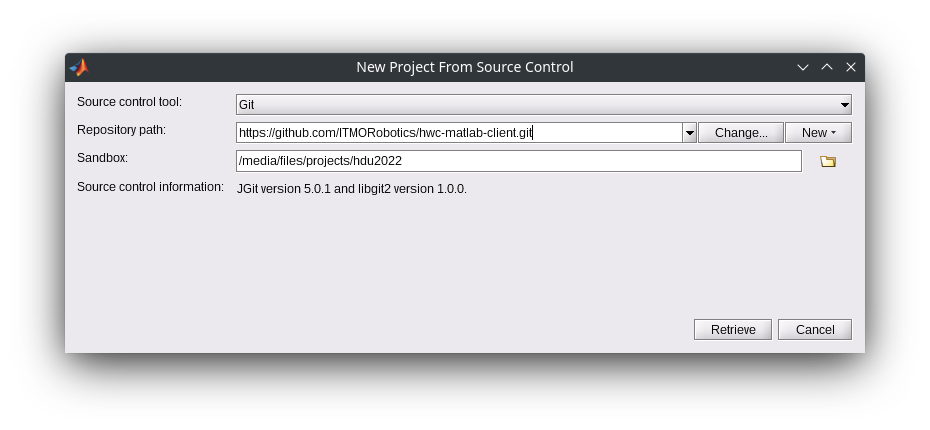
Download HWC Lab Checker using matlab Git Project:
Type into Repository path: https://github.com/ITMORobotics/hwc-matlab-client.git, and select the working directory in the field Sansdbox and click Retrieve:
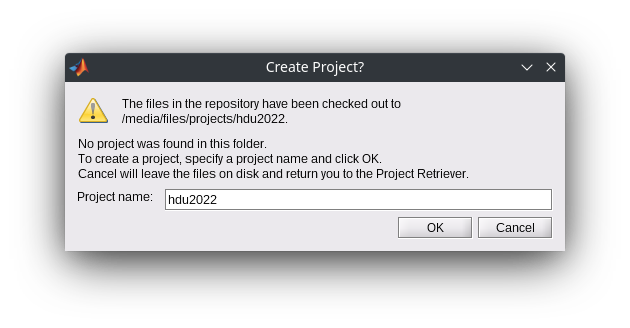
Select project name and submit project creating:
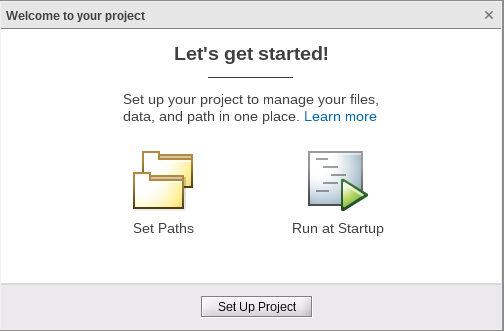
Close this window
Later for openning the project you can use:
Another way (if you dont have git-upload-pack)
If you get this error, you can download client in archive .zip:
Create new working directory and open matlab here.
Download Client
Extract to working directory.
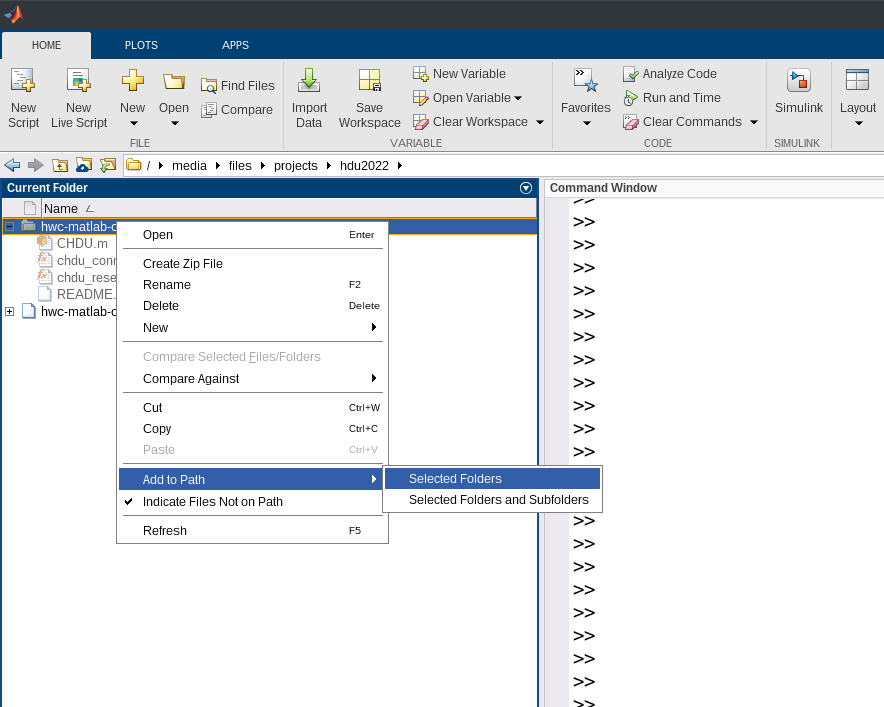
Open the extracted directory in left window:
Add to path it and go to the directory:
Registration
hwc = hwc_connect('https://dss2024.hdu.vedyakov.com')httpinstead ofhttps, for example:hwc = hwc_connect('https://dss2024.hdu.vedyakov.com')If you have reinstalled client you should use also:
hwc = hwc_connect('https://dss2024.hdu.vedyakov.com')In this case please repeat your name, id, email and password provided earlier.
Usage
After registration you can connect at any time with
hwc = hwc_connect('https://dss2024.hdu.vedyakov.com')or to connect via http please change
httpsonhttp.For getting first task(lab) you must type:
task = hwc.get_task(1)For other tasks(labs) you must type desired number:
The case will be generated on the first call. After that, you can retrieve your task at any time with
There is your task. In task structure you can see in variable files associated filenames. In this case: l1_1.pdf. This file contains in folder files.
In struct parameters presented input variables for modeling the system described in pdf file:
In struct answers presented variables that you must fill instead of ?:
When you fill all variables in struct answers instead of ? you can check it with:
You are right if you have nonzero score opposite the corresponding variable. The total score is the sum of all scores. You can also see the number of attempts.
Submission of laboratory work
Upload the required answers to the HWC Lab Checking system as above.
Please send to
hdulab.checker@yandex.rufrom email, that you used to register in the HWC Lab Checker: